If you have a brand that falls under fashion, footwear, beauty, accessories or lifestyle, then selling on Myntra can provide you with access to customers looking for products under these categories. However, setting yourself up on Myntra requires more than just signing up. You should be aware of the process that goes into becoming a Myntra seller registration, along with documents and requirements.
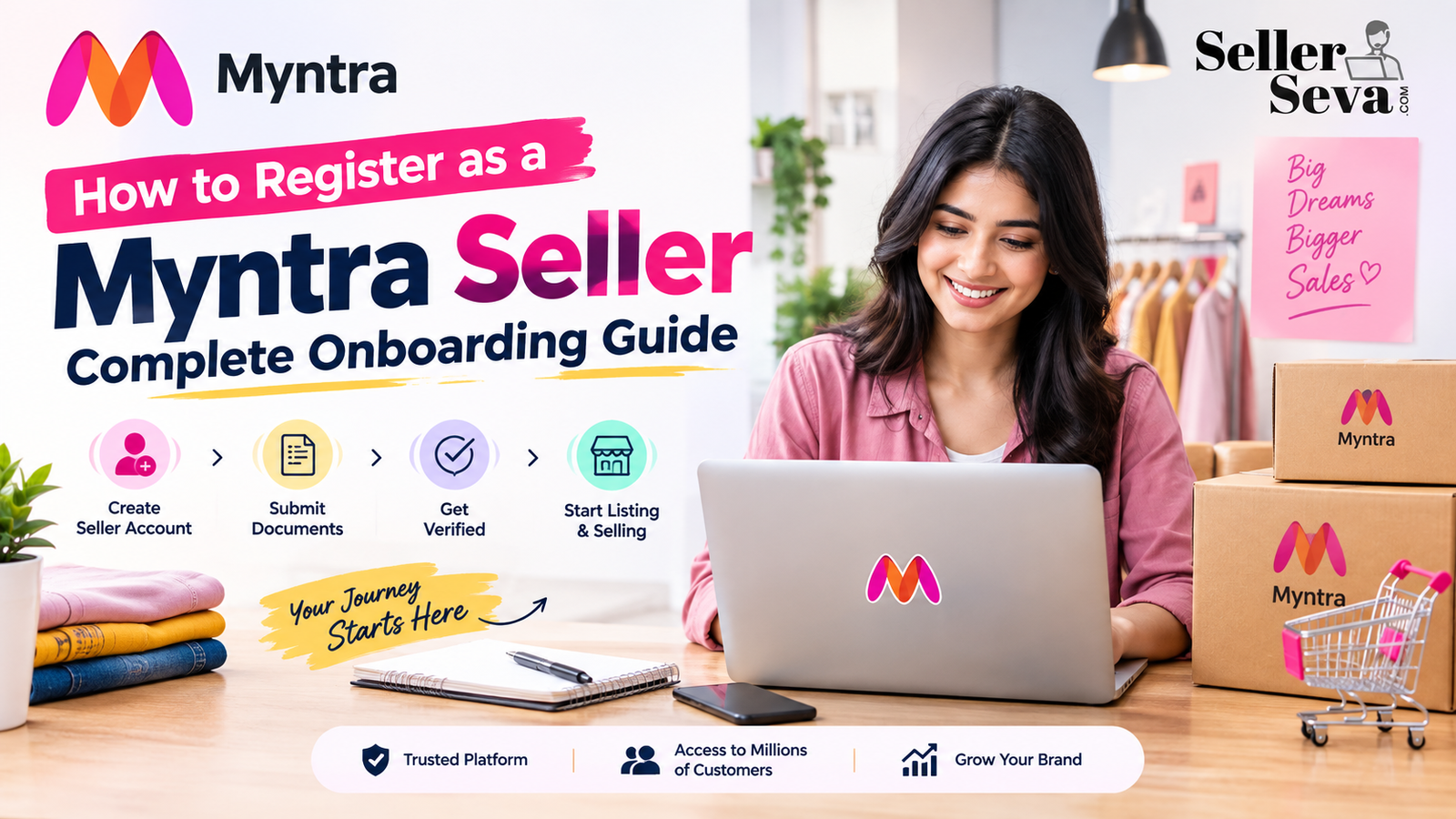
The seller onboarding process at Myntra is based on registration, selling, earning and growing, which includes processes and tools around fulfilment, integration, operations, payment and growth.
The following is an overview of the important processes that are involved in being a Myntra seller for a business.
What You Need Before Starting Myntra Seller Registration
Before making your application, organise your business information and branding. It will be easier for you to undergo the onboarding process if all the documents are prepared.
According to the latest information regarding the Myntra onboarding process, some documents that may be required include:
- PAN details
- GSTN certificate
- Cancelled cheque
- Authorised signatory signature
- Original trademark certificate
- Brand authorisation or NOC, where applicable
Depending on the company and structure of the brand, the documentation needed may differ, and as such, one needs to find out what the requirements are.
It is important to have the right documentation for your business contact information, banking information, products, and any other brand documents you may have.
Step-by-Step Myntra Seller Registration Process
Just follow the steps below for registration, document submission, verification of your brand, and to begin selling on Myntra.
1. Check Your Business and Product Eligibility
The first thing you need to do is find out if your business and product line is appropriate for the Myntra platform.
Myntra is a fashion and lifestyle site, which means that your products must include anything from apparels, shoes, accessories, cosmetics, and lifestyle items.
Before sending in the application form, please ensure that your product list, brand ownership/authorisation, and tax registrations are all in order.
2. Start Your Seller Registration
It is then time to start your Myntra seller registration process using the appropriate Myntra onboarding procedure.
There are some pieces of information that you have to submit regarding your business and contact details. The information should be accurate and match your supporting documents.
Inaccuracies such as in your company name, tax, bank or branding details will make the verification process difficult.
3. Submit Your Business Documents
After providing the above-mentioned details, send the required documentation for verification purposes.
Your documents should be:
- Valid and current
- Clearly readable
- Consistent with your submitted business information
- Properly authorised where required
For those brands that are selling their products under the registered trademarks, keep the related trademark documentation ready. If you are an authorised seller and not the brand owner, then brand authorisation documentation will also be required.
4. Complete Brand Approval
Approval of the brand is one of the critical stages of onboarding, especially for companies dealing in branded products.
Myntra will likely ask for the trademark papers or brand authorization / NOC of the seller, depending on their connection with the brand.
In case you are dealing with the distribution of products of another brand, it will be important for you to ensure that the documentation is done correctly.
5. Set Up Your Myntra Seller Account
Following all these necessary verifications and approvals, your Myntra seller account will have to be set up for conducting business through the marketplace.
Here is where your business, banking, tax, and operational details become very important. You must keep all details of your account safe and ensure that the authorised team members know the right way to access and manage your account.
If access has been achieved, the next step is that of the operational set-up necessary to begin listing and selling items.
Understanding the Myntra Seller Portal
Myntra Seller Portal is one of the essential aspects of running a successful marketplace business. The account environment of the sellers is used to manage the operations related to the products and the marketplace business.
According to the seller’s configuration and available tools, marketplace business management may include:
- Product catalogue management
- Inventory updates
- Order processing
- Product information
- Pricing
- Returns
- Performance monitoring
- Promotional activities
It is crucial to manage these areas on a regular basis because marketplace management responsibilities persist post-onboarding.
When there is an expanding range of products, the management of data and stock becomes increasingly essential.
Creating and Uploading Your Product Catalogue
Once you have set up your account, the next step is preparing the products to be listed.
The product catalogue should include accurate details, which include:
- Product title
- Product description
- Product images
- Category
- Brand
- Colour
- Size
- Product attributes
- SKU information
- Inventory
- Pricing
Your information about your product should be consistent in all related fields. Wrong sizes, missing attributes, poor image quality, and wrong descriptions may cause problems for both the customer and the marketplace.
When a brand has a high number of SKUs, managing their catalogue information may become difficult. A well-organised catalogue management system can assist in organising your new products and inventory updates.
Complete Your Operational Setup
Merely being registered will not necessarily make your marketplace business scalable.
In addition, you will have to ensure that there are procedures for:
- Inventory: Maintain stock information to minimise the chances of selling out-of-stock items.
- Orders: Check incoming orders and make sure that they comply with the relevant marketplace guidelines.
- Returns: Monitor returns and note recurring problems with certain products.
- Pricing: Keep checking the prices of your products, particularly during promotional periods.
- Catalogue: Always maintain correct product information when there are changes to products, variants, or specifications.
These processes grow more and more significant as your product and order volumes increase.
How to Sell on Myntra After Registration
After your account and catalogue are ready, the next step is to learn how to sell on Myntra successfully.
Just listing your products is not enough. You must keep an eye on the performance of your products and update your catalogue accordingly.
Begin by ensuring that you have adequate information and inventory for your best-selling products. Afterwards, keep track of performance metrics as well as other activities within the market to identify products that require improvement.
For instance, if a certain product is gaining visibility but getting few orders, then there could be something wrong with the image, description, price, availability, or customer reviews.
Again, popular items need enough stock to prevent unnecessary stockouts.
Using Myntra Seller Login Safely
The Myntra Seller Login is the gateway to accessing various vital details related to your business on the online marketplace. Your login details are your confidential business information.
Below are some essential tips for you:
- Use strong, unique credentials.
- Limit account access to authorised team members.
- Avoid sharing login details unnecessarily.
- Review account activity regularly.
- Keep your business and banking information updated.
- Follow Myntra’s current security and account-management requirements.
In case there are a number of people running the business, make sure that everyone is clearly responsible for catalogue, inventory, orders, finances, and performance management.
Common Challenges New Myntra Sellers Face
Even new sellers can experience operational issues once they go through the onboarding process successfully.
Incomplete Documentation
Incomplete or inadequate documentation can delay the entire verification procedure. The better you prepare your business documents ahead of time, the more efficient your registration will be.
Catalogue Errors
Wrong attributes, images, descriptions, or even information about the products might influence the quality of listings and overall customers’ experience.
Inventory Issues
In case the inventory is not updated on a timely basis, it might cause problems with availability of the products or fulfillment of orders.
Managing Multiple SKUs
Expanding the catalogue of products requires updates. Handling hundreds of SKUs manually may require lots of time.
Limited Marketplace Expertise
New sellers in the marketplaces would benefit from assistance in cataloguing, account management, promotion, and performance tracking.
When Should You Consider Professional Myntra Seller Support?
Internal management of a small catalogue might suit some businesses. Nevertheless, professional assistance becomes handy when you start having more to do at the marketplace.
You may consider external support when:
- You are launching a large number of products.
- Your catalogue requires frequent updates.
- Your team manages multiple marketplaces.
- Inventory and order management take significant time.
- You need help with catalogue optimisation.
- Your team lacks dedicated marketplace expertise.
- You want regular account performance monitoring.
The seller Seva is responsible for providing seller onboarding and registration for Myntra, product listing, catalogue management, account management, performance optimisation, and advertisement support.
In the case of companies looking for help beyond registration, such help is useful in organising their market activities.
Frequently Asked Questions
- What is Myntra seller registration?
The Myntra seller registration process is a method for eligible companies to initiate the seller onboarding process for selling goods on Myntra. This entails providing company details along with relevant documents, getting verified, and registering as a seller.
- What documents are required for Myntra seller registration?
Some of the commonly mentioned documents include PAN, GSTN certificate, cancelled cheque, signature of the authorised signatory, and brand-related documents like trademark certificate and/or brand authorisation/NOC. The list of requirements may differ, and it is advisable to check the latest requirements at the time of onboarding.
- Can I sell on Myntra without a registered brand?
The requirements regarding the brand will depend upon your type of business and the goods that you want to sell. The brand owner will have trademark documents, while an authorised seller may have brand authorisation/NOC.
- What can I manage through a Myntra seller account?
Based on the seller infrastructure, marketplace activities may comprise catalogue management, inventory, orders, product data, pricing, returns, and performance activities. The specific services may differ from one to another.
- Can Seller Seva help with Myntra seller registration?
Yes. Seller Seva provides the following Myntra Seller marketplace services: seller registration, catalogue management, product listing, account management, and advertising.
Conclusion
Marketplace sales are successful when an effective onboarding process is done. Documentation, brand approval, creation of catalogues, and account manag ement are just some of the things that need to be considered.
Knowing the Myntra seller registration process can assist you in preparing your company before registering. This will ensure that your account will not encounter any problems during the setup process.
In case a business requires extra assistance, Seller Seva has solutions related to the Myntra onboarding process, product listings, catalogue management, and seller account maintenance.
Related posts
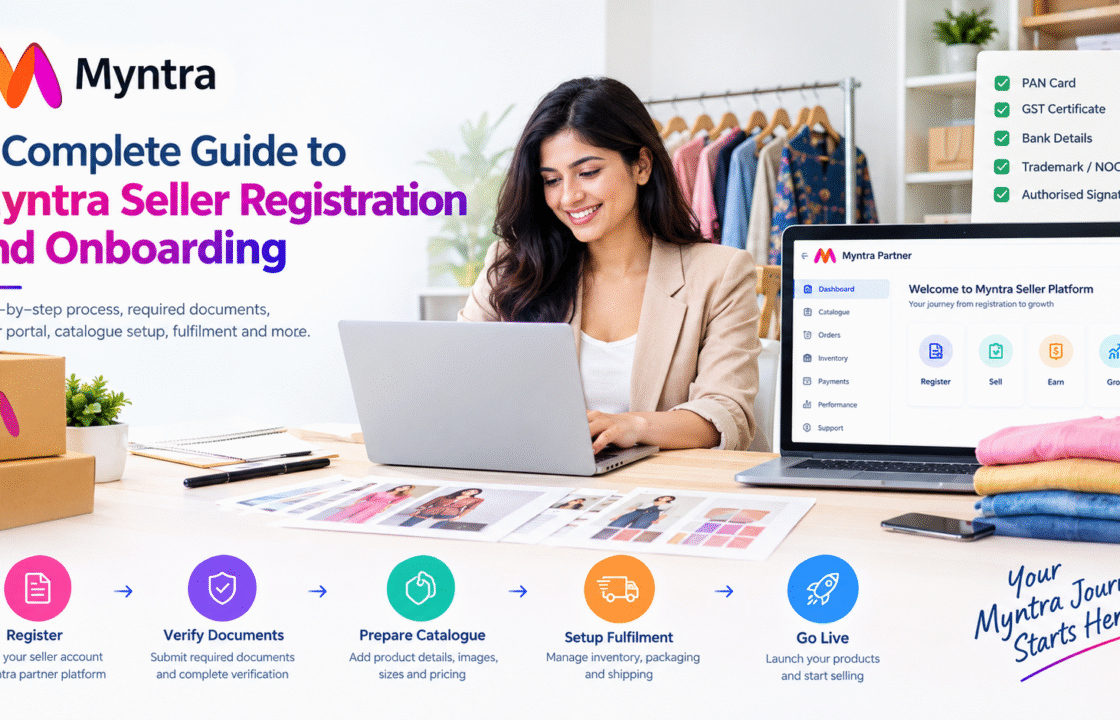
A Complete Guide to Myntra Seller Registration and Onboarding
A well-known marketplace can provide new fashion or lifestyle businesses with the ability to reach a huge number of customers thro …
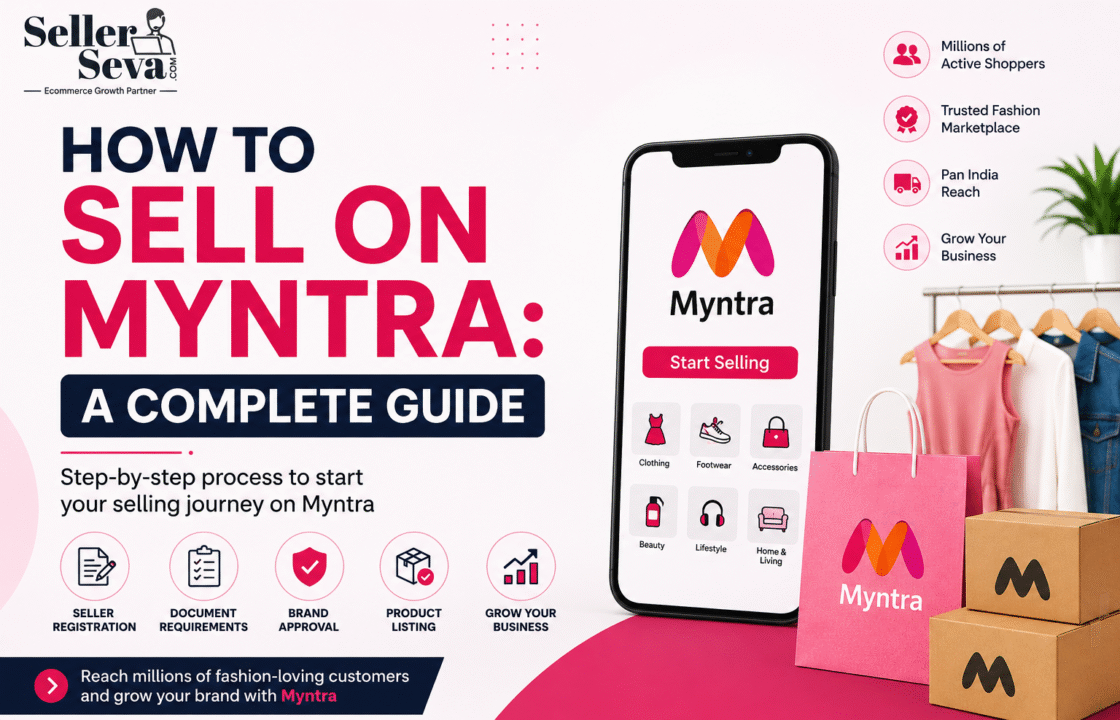
How To Sell On Myntra: A Complete Guide
Myntra has emerged as one of India’s leading fashion and lifestyle marketplaces, offering businesses an excellent opportunit …