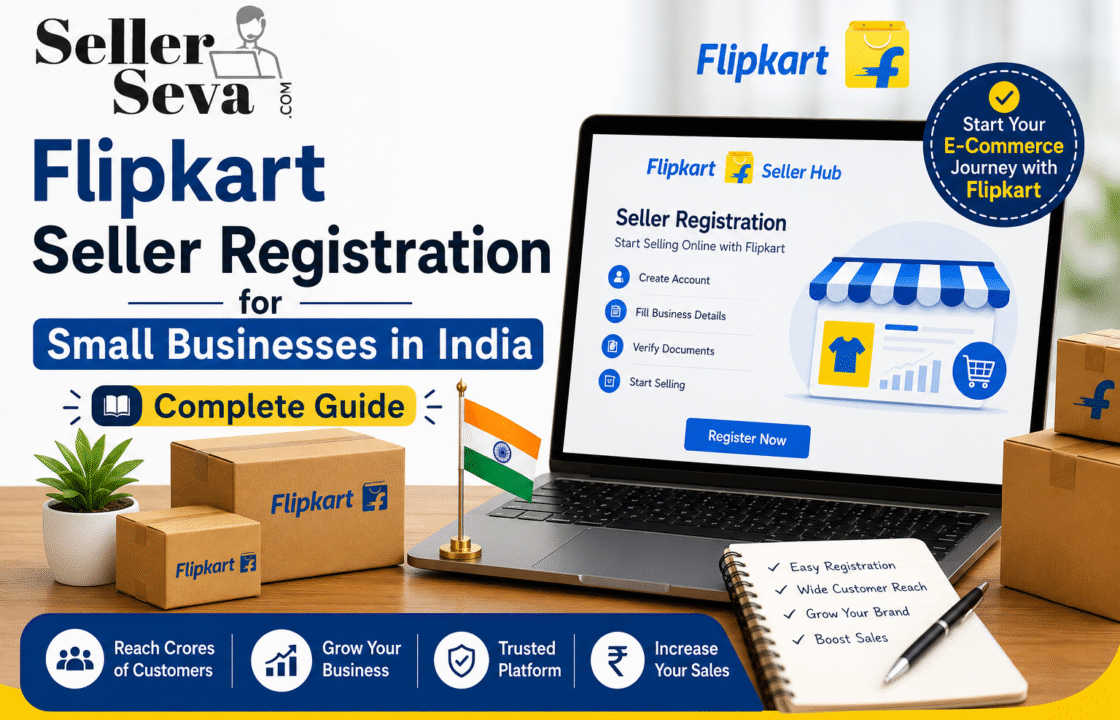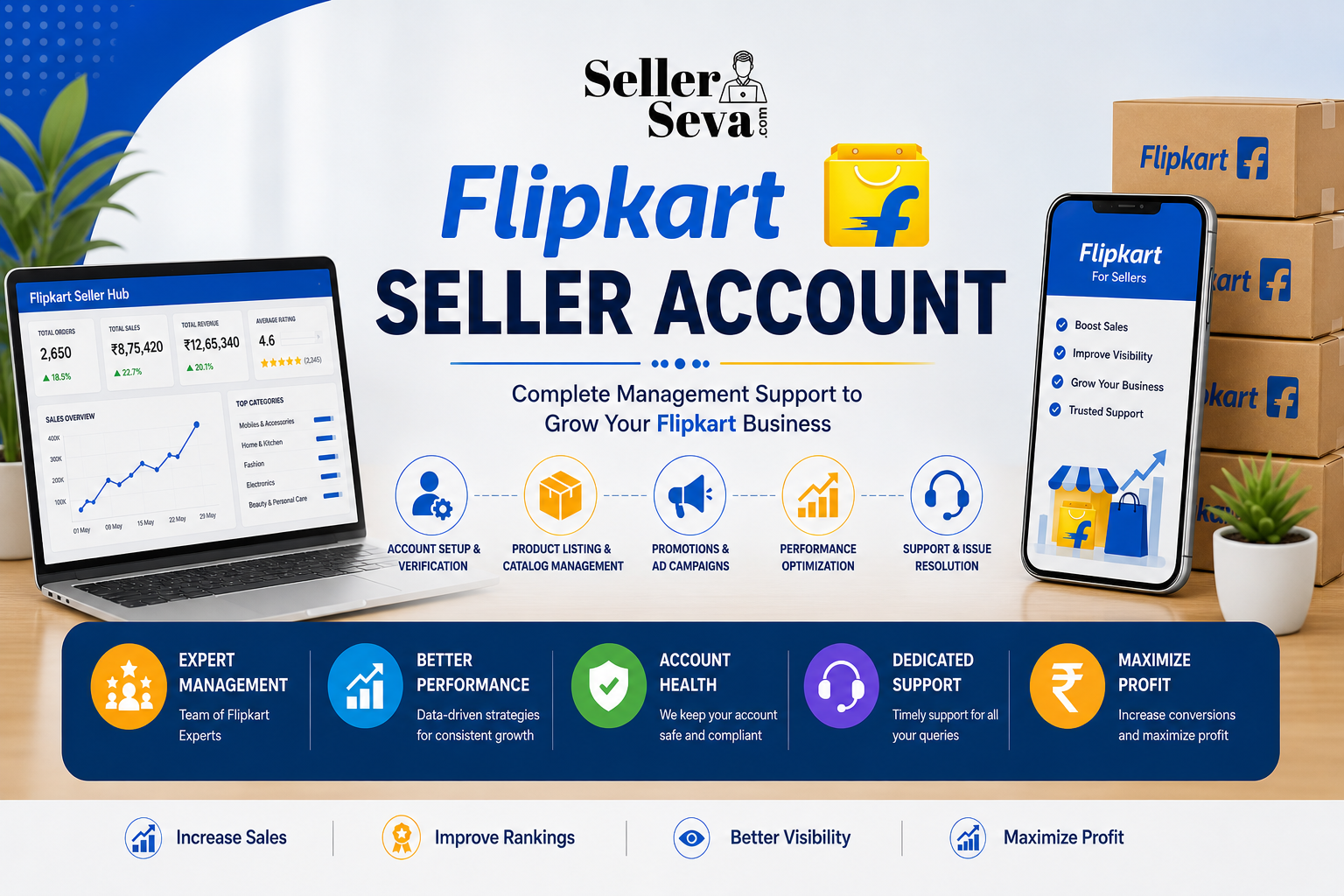
Creating an online business using the Flipkart platform can provide sellers the ability to enter into a large marketplace, without the need to create an e-commerce site all by themselves. But then, prior to listing products on their platform, you have to go through the seller account creation process on Flipkart.
Creating a Flipkart Seller Account involves providing business information, submitting the required documents, completing verification, and setting up your seller profile. Once your account is ready, you can manage products, orders, inventory, and other selling activities through Flipkart’s seller tools.
The following is a guide that gives an explanation in a few steps of the whole process for any new seller, small business, brand or manufacturer who wants to learn more about it.
What Is a Flipkart Seller Account?
A Flipkart Seller Account refers to a seller profile that enables qualified companies or individuals to sell their goods using Flipkart’s online marketplace platform.
Once they register and verify their account, sellers will be able to utilize the tools necessary for running their online business. The required details and verification processes may differ from one seller to another depending on their business type and product offerings.
Documents Required for Flipkart Seller Registration
Prior to registering through Flipkart Seller Registration, make sure to collect the data and documents you might need for your seller profile.
Common requirements can include:
- Business or seller information
- PAN details
- GST-related information, where applicable
- Bank account details
- Contact information
- Pickup or business address
- Product and brand information, where applicable
Requirements differ according to seller category and regulation requirements. Ensure you review the current requirements shown during registration.
Maintaining correct information is vital since wrong information might hinder the verification or onboarding process.
How to Create a Flipkart Seller Account
Learn how to complete your Flipkart seller setup, submit the required documents, create your seller profile, list products, and start selling successfully on the Flipkart marketplace.
Step 1: Start the Seller Registration Process
Start the registration process via the Flipkart seller portal. Enter all the required contact and business details meticulously.
Ensure that your mobile number and email ID are active since they could be used for any communication in the future.
Double-check the spelling and all other details on the form before filling it since it could save you from corrections.
Step 2: Provide Business and Tax Information
The next step typically revolves around providing information relevant to your business and tax registration.
Ensure that the information you provide corresponds with your official documents. Discrepancies between the information provided and documents can pose a problem when verifying details.
If you are not sure what is required of you, refer to the instructions offered during registration instead of guessing the information.
Step 3: Add Bank and Pickup Details
It is important for the sellers to provide pertinent payment and operational information. This includes your bank account information as well as the pickup address where you want the items shipped from.
Make sure that your bank information is accurate before sending it in. It is also necessary to have an accurate pickup address for your business operations.
Step 4: Complete Verification
Once you have submitted all the necessary information, Flipkart may proceed to validate the information submitted by you.
This step is essential since it is mandatory for the marketplace to validate the information linked to the seller’s account. You should keep all your documents ready in case any further information is required from you.
It is highly advisable not to make multiple accounts or submit wrong information again and again.
Step 5: Complete Flipkart Seller Onboarding
After completing the registration and verification process, you will then proceed with the Flipkart Seller Onboarding process.
The onboarding process educates the seller about the fundamentals that go into managing the marketplace account. This varies based on the individual and the categories they deal with. For some, this will require configuring information such as products, fulfilment information, payment information, and more.
It is important to familiarize yourself with the tools that sellers have access to before accepting any orders.
How to Access Your Seller Account
Once your registration process has been completed, you can log into the Flipkart Seller Login portal using your credentials.
Ensure that your login information is kept safe and never share your account credentials with anyone who isn’t authorized to have them. When you run an account through a team, make sure that you have set appropriate access rules.
Also, sellers must ensure that they check their notifications upon logging in.
What Is Flipkart Seller Hub?
The Flipkart Seller Hub provides sellers with tools and resources for managing their marketplace activities.
Depending on your account and seller setup, you may use seller tools to manage areas such as:
- Product listings
- Orders
- Inventory
- Payments
- Seller performance
- Business information
- Account notifications
For security, always use the official Flipkart seller platform rather than entering login details into unknown third-party websites.
How to Add Products After Registration
With the completion of your account creation process, the most important thing that comes next is Flipkart Product Listing. Product listings give customers proper and relevant information. For different products, there are many things like name, category, specifications, photos, price, dimensions, etc., to be included in the listings.
Before publishing a product, review all information carefully.
Product Listing Best Practices
- Use clear and accurate product titles.
- Add high-quality product images.
- Provide complete specifications.
- Select the appropriate category.
- Enter accurate pricing and inventory.
- Check variations and attributes carefully.
- Avoid misleading product information.
A well-prepared listing can make it easier for customers to understand what they are buying and reduce avoidable product-related questions.
Managing Your Seller Dashboard
Once you start selling, the seller dashboard flipkart tools can help you monitor important marketplace activities.
Regularly review your orders, stock levels, product status, payments, returns, and account notifications. Do not wait until a problem affects your customers before checking your account.
A simple routine can include:
Daily: Check orders, messages, inventory alerts, and urgent account notifications.
Weekly: Review sales, returns, product performance, and inventory requirements.
Monthly: Analyse overall performance and identify products or processes that need improvement.
Common Mistakes New Flipkart Sellers Should Avoid
New sellers often focus heavily on registration but overlook what happens after the account becomes active.
Avoid these common mistakes:
- Submitting incorrect business information
- Uploading unclear or inaccurate documents
- Using incorrect product details
- Ignoring inventory levels
- Publishing incomplete listings
- Not checking seller notifications
- Sharing account credentials
- Ignoring customer issues
- Failing to review seller performance
The registration process is only the beginning. Long-term success requires consistent account and marketplace management.
How to Start Selling on Flipkart Successfully
When looking to sell on Flipkart, first think about having a specialized product line rather than uploading a huge catalogue before being ready to do so.
Conduct research on your products, know customer needs, develop good product listings, have enough stock, and have an efficient fulfilment process.
As your business expands, find out what works for you and where customers face difficulties. Use this knowledge to enhance your catalogue and work efficiently.
Conclusion
Creation of a Flipkart Seller Account is an initial step towards establishing presence in one of the largest online marketplaces in India. Preparation of required information, proper verification, successful completion of the onboarding process and creation of a correct product listing will help to create a stronger base for your online business.
Please note that registration alone cannot lead to sales. Product management, inventory management, customer service, order management and performance tracking should be equally taken care of after your account is activated.
If you want professional help in setting up marketplace accounts and product listings, then SellerSeva can assist you in creating a better-organised approach for selling online.
Related posts
10 Signs Your Flipkart Seller Account Needs Professional Management
Managing a Flipkart business involves much more than receiving orders and dispatching products. Sellers need to manage product lis …

Flipkart vs Amazon: Which Marketplace Should Indian Sellers Prioritize in 2026?
Selling online in India is no longer limited to simply uploading products and waiting for orders. Brands, manufacturers, retailers …